












하모니카 리눅스에서 그래픽 작업을 하고 싶은데, 각 분야별로 어떤 소프트웨어가 있는지 전체적으로 파악하고 싶으신 분은 아래를 참고하시면 도움됩니다.
이미지 뷰어 비교
https://en.wikipedia.org/wiki/Comparison_of_image_viewers
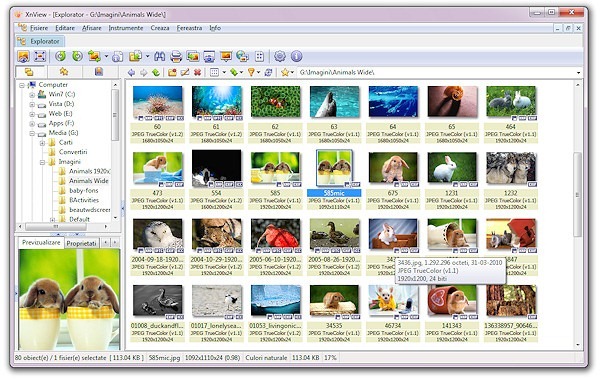
하모니카 리눅스에서 사용할 수 있는 이미지 뷰어
Comix
https://en.wikipedia.org/wiki/Comix_(software)
Digikam
https://en.wikipedia.org/wiki/DigiKam
Eye of GNOME
https://en.wikipedia.org/wiki/Eye_of_GNOME
F-Spot
https://en.wikipedia.org/wiki/F-Spot
Geeqie
https://en.wikipedia.org/wiki/Geeqie
GThumb
https://en.wikipedia.org/wiki/GThumb
Gwenview
https://en.wikipedia.org/wiki/Gwenview
Imageglass
http://www.imageglass.org/
Ksquirrel
http://ksquirrel.sourceforge.net/
KPhotoAlbum
https://en.wikipedia.org/wiki/KPhotoAlbum
Lphoto
https://en.wikipedia.org/wiki/Lphoto
Shotwell
https://en.wikipedia.org/wiki/Shotwell_(software)
Simple_Comic
https://en.wikipedia.org/wiki/Simple_Comic
Xniview
http://www.xnview.com/en/
레스터 그래픽 소프트웨어 비교
https://en.wikipedia.org/wiki/Comparison_of_raster_graphics_editors
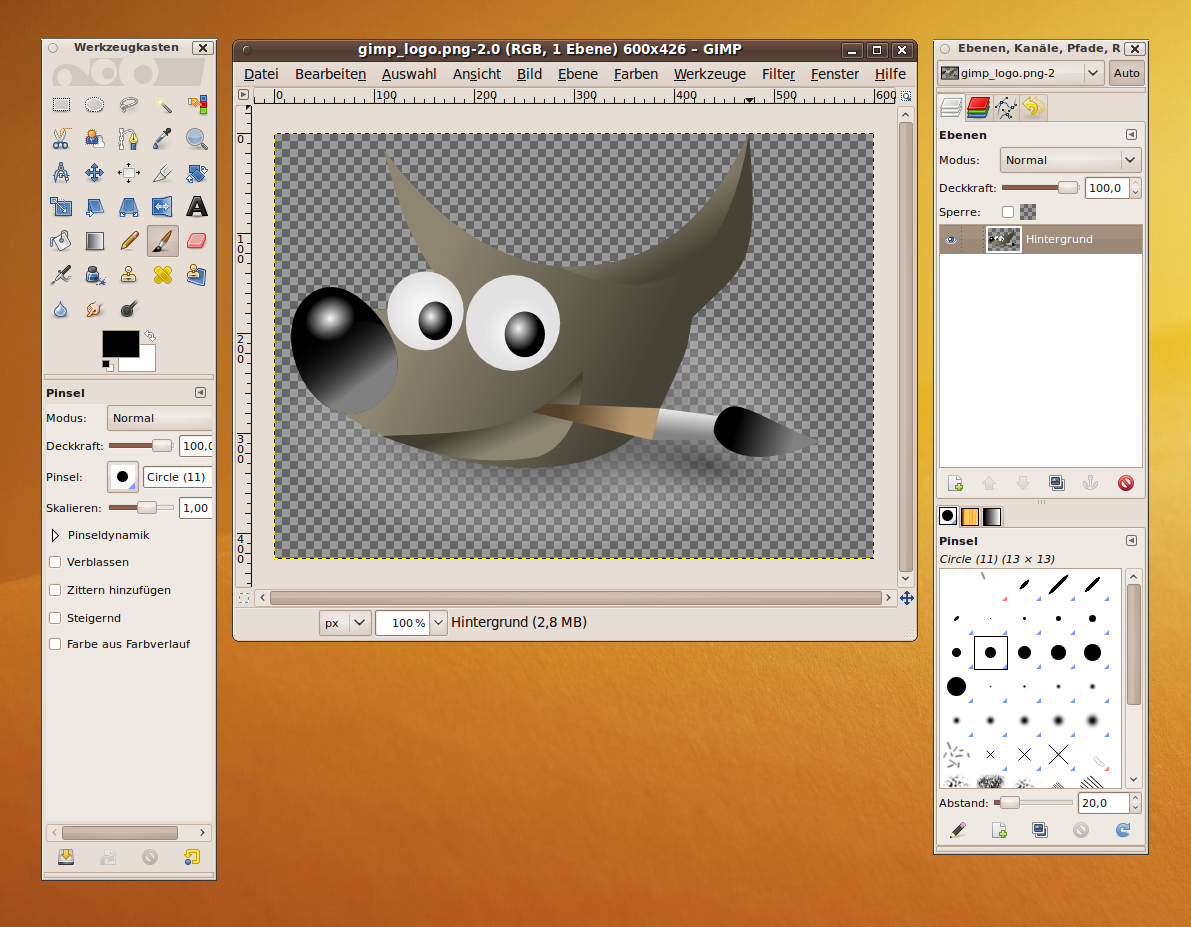
하모니카 리눅스에서 사용할 수 있는 레스터 그래픽 도구들
CinePaint
https://en.wikipedia.org/wiki/CinePaint
Darktable
https://en.wikipedia.org/wiki/Darktable
DigiKam
https://en.wikipedia.org/wiki/DigiKam
F-Spot
https://en.wikipedia.org/wiki/F-Spot
GIMP
https://en.wikipedia.org/wiki/GIMP
GimPhoto
https://en.wikipedia.org/wiki/GimPhoto
GIMPshop
https://en.wikipedia.org/wiki/GIMPshop
GNU_Paint
https://en.wikipedia.org/wiki/GNU_Paint
GrafX2
https://en.wikipedia.org/wiki/GrafX2
GraphicsMagick
https://en.wikipedia.org/wiki/GraphicsMagick
GThumb
https://en.wikipedia.org/wiki/GThumb
ImageJ
https://en.wikipedia.org/wiki/ImageJ
ImageMagick
https://en.wikipedia.org/wiki/ImageMagick
KolourPaint
https://en.wikipedia.org/wiki/KolourPaint
Krita
https://en.wikipedia.org/wiki/Krita
LazPaint
https://en.wikipedia.org/wiki/LazPaint
LightZone
https://en.wikipedia.org/wiki/LightZone
MyPaint
https://en.wikipedia.org/wiki/MyPaint
Pencil2D
https://en.wikipedia.org/wiki/Pencil2D
Phatch
https://en.wikipedia.org/wiki/Phatch
Pinta
https://en.wikipedia.org/wiki/Pinta_(software)
Pixen
https://en.wikipedia.org/wiki/Pixen
Rawstudio
https://en.wikipedia.org/wiki/Rawstudio
RawTherapee
https://en.wikipedia.org/wiki/RawTherapee
Seashore
https://en.wikipedia.org/wiki/Seashore_(software)
Shotwell
https://en.wikipedia.org/wiki/Shotwell_(software)
Tux_Paint
https://en.wikipedia.org/wiki/Tux_Paint
UFRaw
https://en.wikipedia.org/wiki/UFRaw
XPaint
https://en.wikipedia.org/wiki/XPaint
벡터 그래픽 소프트웨어 비교
https://en.wikipedia.org/wiki/Comparison_of_vector_graphics_editors
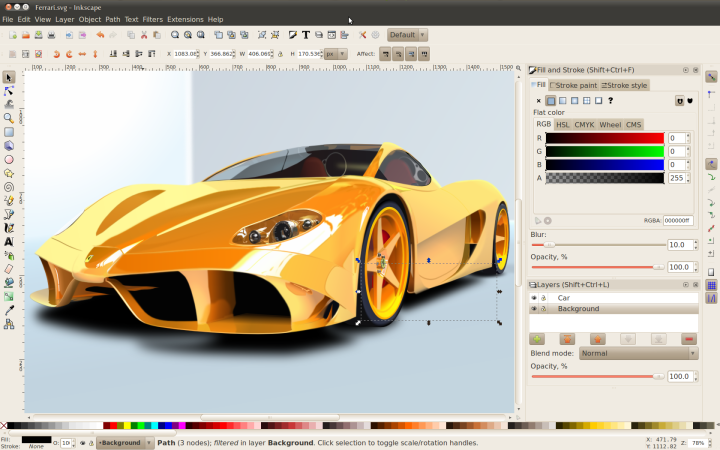
하모니카 리눅스에서 사용할 수 있는 벡터 그래픽 도구들
Embroidermodder
https://en.wikipedia.org/wiki/Embroidermodder
Inkscape
https://en.wikipedia.org/wiki/Inkscape
Ipe
https://en.wikipedia.org/wiki/Ipe_(software)
Karbon
https://en.wikipedia.org/wiki/Karbon_(software)
LibreOffice Draw
https://en.wikipedia.org/wiki/LibreOffice
SK1
https://en.wikipedia.org/wiki/SK1_(program)
Skencil
https://en.wikipedia.org/wiki/Skencil
SVG-edit
https://en.wikipedia.org/wiki/SVG-edit
Xfig
https://en.wikipedia.org/wiki/Xfig
레스터 - 벡터 변화 소프트웨어 비교
https://en.wikipedia.org/wiki/Comparison_of_raster-to-vector_conversion_software
3D 컴퓨터 그래픽 소프트웨어 비교
https://en.wikipedia.org/wiki/Comparison_of_3D_computer_graphics_software
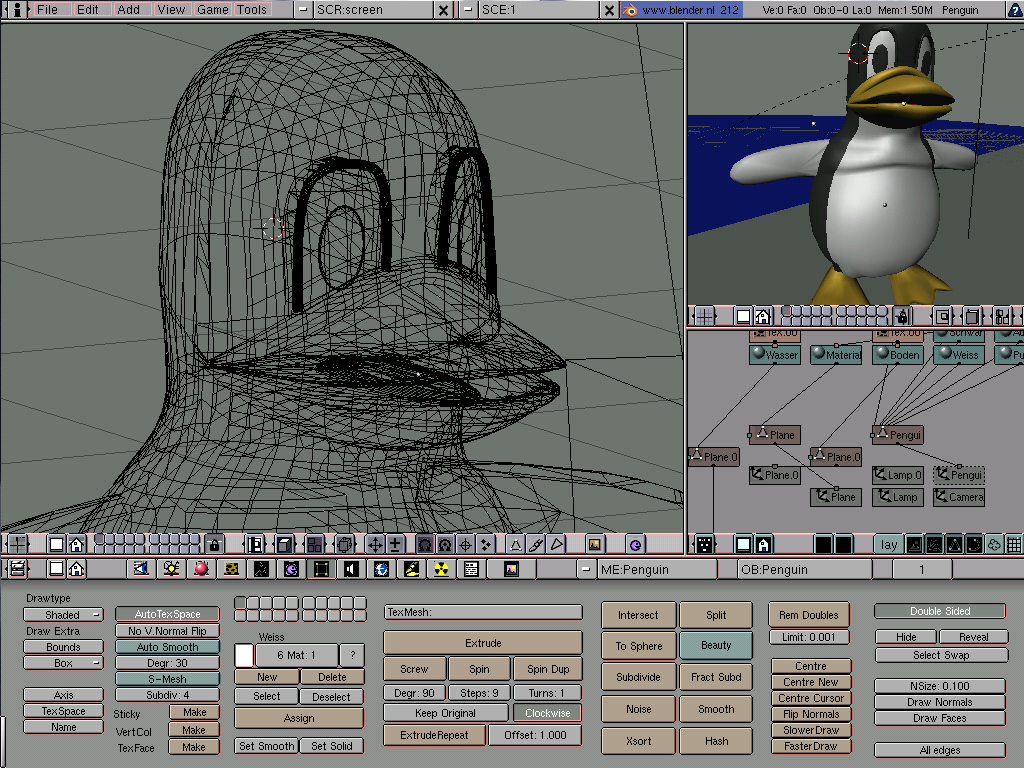
하모니카 리눅스에서 사용할 수 있는 3D 컴퓨터 그래픽 소프트웨어
Art_of_Illusion
https://en.wikipedia.org/wiki/Art_of_Illusion
Blender
https://en.wikipedia.org/wiki/Blender_(software)
POV-Ray
https://en.wikipedia.org/wiki/POV-Ray
Wings_3D
https://en.wikipedia.org/wiki/Wings_3D
각 분야별로 들어가서 리눅스에서 돌아가는 소프트웨어를 선택하셔서 사용하시면 됩니다.
원한다면 윈도우 소프트웨어도 WINE과 같은 에뮬레이터를 통해서 실행할 수 있습니다만 별로 권장하고 싶지는 않습니다.
전 세계적으로 알려진 소프트웨어를 잘 정리해 놓았으니 참고하시기 바랍니다.
찾아보면 이 것외에도 더 많은 소프트웨어가 있을 수 있습니다. 제가 아는 범위에서 정리해 보았습니다.
각자 용도에 맞는 소프트웨어와 서비스를 사용하여 즐거이 컴퓨터 그래픽 작업하시길...

PS
각자 수준과 용도에 따라서
어떤 분은 구글드라이브의 그림 서비스를
어떤 분은 웹브라우저 상에서 SVG Editor과 같은 서비스로 만족하시는 분들도 있고,
어떤 분은 픽셀라(pixlr)와 같이 웹브라우저에서 작업하는 도구가 마음에 들 수도 있습니다.
김프나 잉크스케이프와 같은 전문 소프트웨어를 원하시는 분들도 있을 수 있습니다.
또는 리브레오피스 드로우와 같은 도구를 사용하여 그래픽 작업하시는 분들도 있습니다.
어떤 것이 정답이라고 말할 수 없습니다. 각자 용도에 맞게 쓰임에 맞게 적절한 도구를 잘 선택해서 원하는 결과를 얻으시면 됩니다. 즐거운 아트의 세계에 빠져봅시다.

 윈도우 텍스트 파일의 한글이 깨져 보일때 해결방법
 김프 플러그인 설치하여 포토샵처럼 사용해보자!


그러고 보니 동영상 제작과 동영상 플레이, DTP, 캐드 분야, 각종 전문 그래픽 분야에 대해서는 언급을 못했네요. 기회되면 정리해서 올리도록 하겠습니다.